
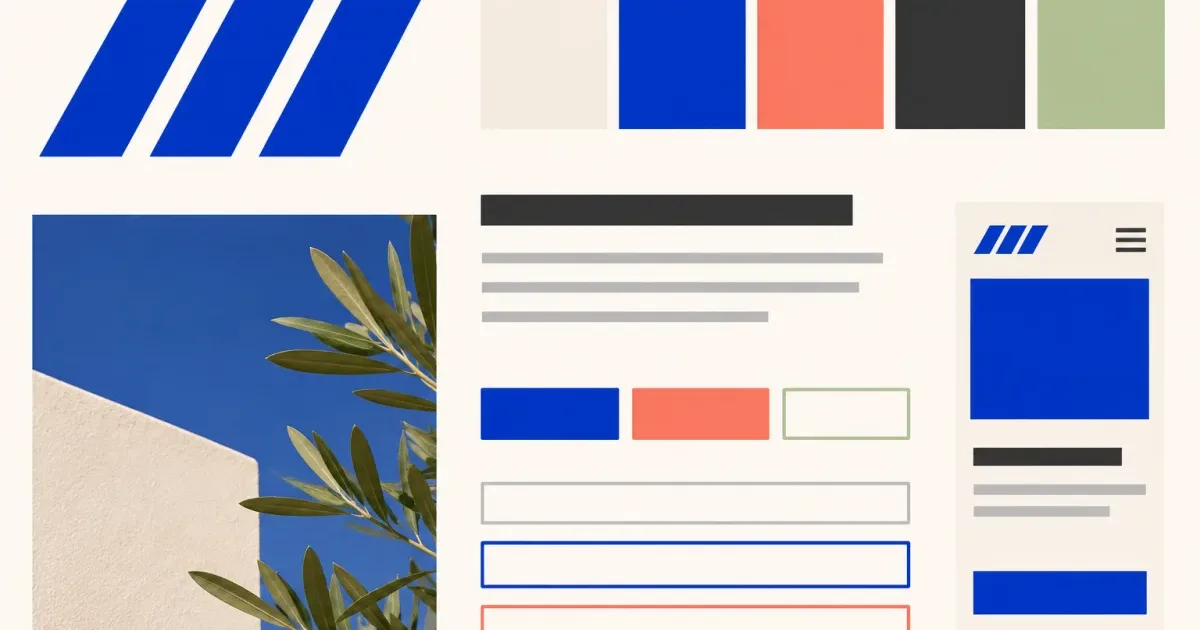
Use a real audience task
Choose the main action and representative content before collecting website references. The visual direction must help people find, understand, and complete that task.
Show functional states
Include navigation, headings, body text, links, buttons, fields, focus, errors, loading, and empty states instead of judging only polished landing-page screenshots.
Test the narrow screen early
Place a small mobile composition beside the desktop direction. Check hierarchy, touch targets, long labels, zoom, contrast, and keyboard order in a working prototype.
Evidence to collect before review
- Audience task and real content
- Type, imagery, and functional color roles
- Controls and difficult states
- Responsive and accessibility tests
Why polished screenshots can mislead a website direction
A website board is incomplete when it contains only homepages, hides long or difficult content, treats every purple button as the same pattern, or omits focus, errors, loading, and empty states. Device mockups can make a weak hierarchy look finished. Use representative content and expose the states where the visual system must keep working.
Questions for the decision review
Evaluate the direction with the audience task and interface behavior visible beside the visual references.
Use evidence, not preference
- Can a first-time visitor find and understand the main action?
- Do text, links, controls, status, and errors have distinct roles?
- What happens to hierarchy with long labels and narrow screens?
- Which accessibility, performance, or content risk still requires a working test?
Convert the direction into testable interface rules
Record type scales, color roles, spacing principles, image treatment, control states, content examples, and responsive priorities. Build a small component and page sample with real content before extending the system. Document contrast, keyboard, zoom, touch target, loading, and performance checks as implementation tasks rather than claiming the mood board proves them.
What this template does not prove
A website mood board cannot prove that navigation, forms, performance, responsive layouts, or assistive technology work. Test the direction with real content in a functioning interface.
Test the direction on a real interface task
Apply the proposed hierarchy to representative content, controls, errors, and a narrow viewport. Use the website visual system audit, then record reference status in the interface image and asset register.