
Mood Board Process and Method
You have references or a blank canvas and need a repeatable process that ends with an approved direction.
Explore mood board process and methodCollect references, compare visual choices, and turn a loose idea into a board you can explain. The free workspace runs in your browser and does not require an account.
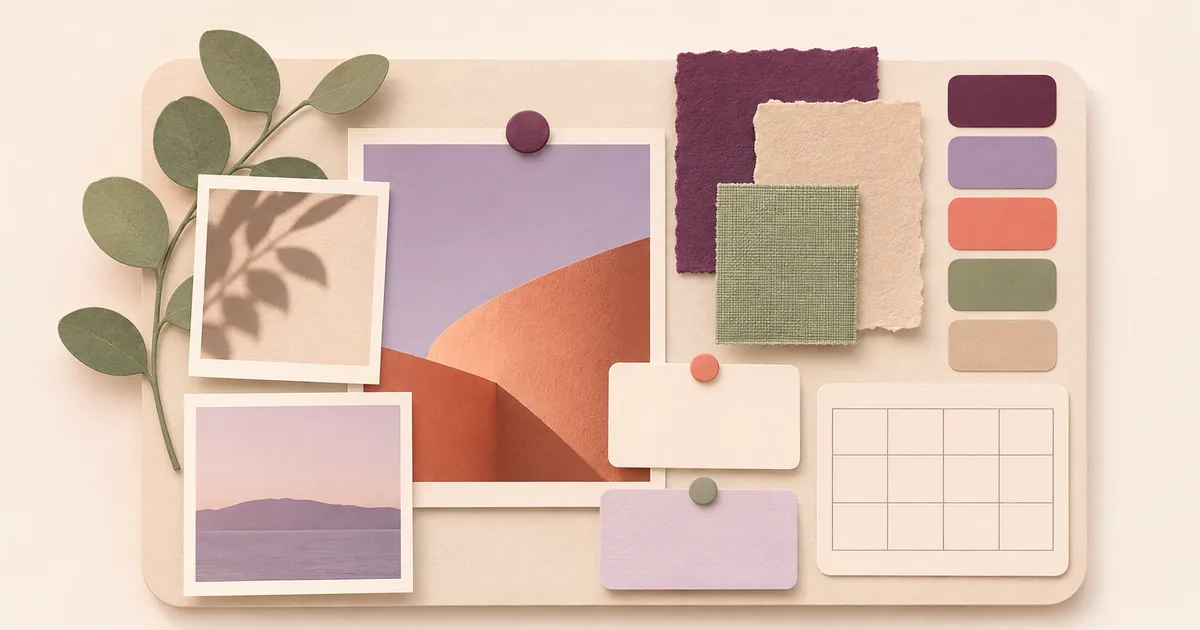 Soft daylight
Choose the decision in front of you. Nice-Boards will open the right workspace with your starting context already attached.
A mood board is a set of visual references arranged to define how a project should look, feel, or behave. It turns images, colors, materials, type, and notes into evidence for a design decision. A useful board also records what the direction excludes and what still needs testing.
Learn how to make a useful mood boardA mood board directs a project such as a room, brand, product, event, or campaign. A vision board keeps a desired future visible and links it to actions and review points. Choose the board from the decision you need to make.
Compare mood boards and vision boardsA room, brand, personal goal, and group review need different evidence. Start with the topic that matches the work, then move into the relevant tool and guide.
You have references or a blank canvas and need a repeatable process that ends with an approved direction.
Explore mood board process and methodThe visual idea is present, but layout, hierarchy, color roles, or accessibility still needs deliberate work.
Explore mood board design and visual systemsThe board must guide a real interior, brand, product, fashion collection, or event rather than describe a general mood.
Explore mood boards for design projectsA desired future needs controllable actions, milestones, likely obstacles, and an honest review routine.
Explore vision board planning and actionSeveral people need to collect references, resolve feedback, and preserve a clear decision without averaging every preference.
Explore collaborative mood boardsChoose the task first. Nice-Boards changes the structure and guidance around the same simple visual canvas.
Arrange references for atmosphere, material, type, color, and composition. Make the strongest clue prominent, then annotate why it belongs.
Open the mood board makerA useful board shows more than taste. It records what each reference proves, how the pieces relate, and what should happen next. The complete mood board method turns that idea into a repeatable process.
Read the complete mood board methodAdd references for distinct jobs instead of gathering decoration.
Use scale and grouping to make the main direction readable.
State what the direction is, what it excludes, and what follows.
Nice-Boards is a focused browser toolkit, not a full creative suite. Use it when you need a private draft, a clear method, or a fast visual decision. Choose a broader platform when the missing capability is central to the project.
| Need | What Nice-Boards provides | When another workspace may fit better |
|---|---|---|
| A private first draft | Public tools open without an account. Uploaded board images and saved board details stay in browser storage on the current device. | Use an account-based platform when the board must sync automatically across several devices. |
| Decision support | Specialist tools and topic methods connect references to layout, color roles, project constraints, and next actions. | Use a general design suite when final production assets and advanced editing matter more than the decision method. |
| Built-in media | Bring references you have permission to use. The vision board generator creates a planning structure and image prompts, not generated images. | Use a stock or generative media service when sourcing or creating the images is the main task. |
| Live team editing | Use the collaborative board method to structure roles, evidence, review, and approval. | Use a real-time collaboration platform when several people must edit one canvas at the same moment. |
| Practical outputs | Export a mood board as PNG or WebP, export a palette as JSON, or calculate dimensions for print, presentation, Pinterest, desktop, and mobile. | Use a production suite when you need layered source files, print preflight, or client asset management. |
Plan the layout, define color roles, size the output, or turn a future goal into concrete action cues.
Build a visual board with images, notes, text, colors, shapes, and movable cards. Your work stays in this browser.
Open the free mood board makerBuild an editable visual action board from one outcome, the evidence behind it, and the next behaviors you control.
Build a visual action boardLoad real images and arrange them into a hero, grid, strip, or editorial collage with controlled spacing and cropping.
Arrange a mood board collageDefine the decision, audience, constraints, evidence categories, exclusions, and approval owner before collecting references.
Write a board briefAudit a board for decision clarity, visual hierarchy, duplicate evidence, annotation, sourcing, contrast, and handoff readiness.
Audit a mood boardTurn a working direction into a review sequence covering the brief, thesis, evidence, palette, decisions, and open questions.
Build a board presentationGenerate one original visual starting point from a decision, evidence categories, palette, and exclusions, then review it before using it on a board.
Generate an original mood board visualEach set of decision-led mood board and vision board templates defines the evidence to collect and the question the board should answer.
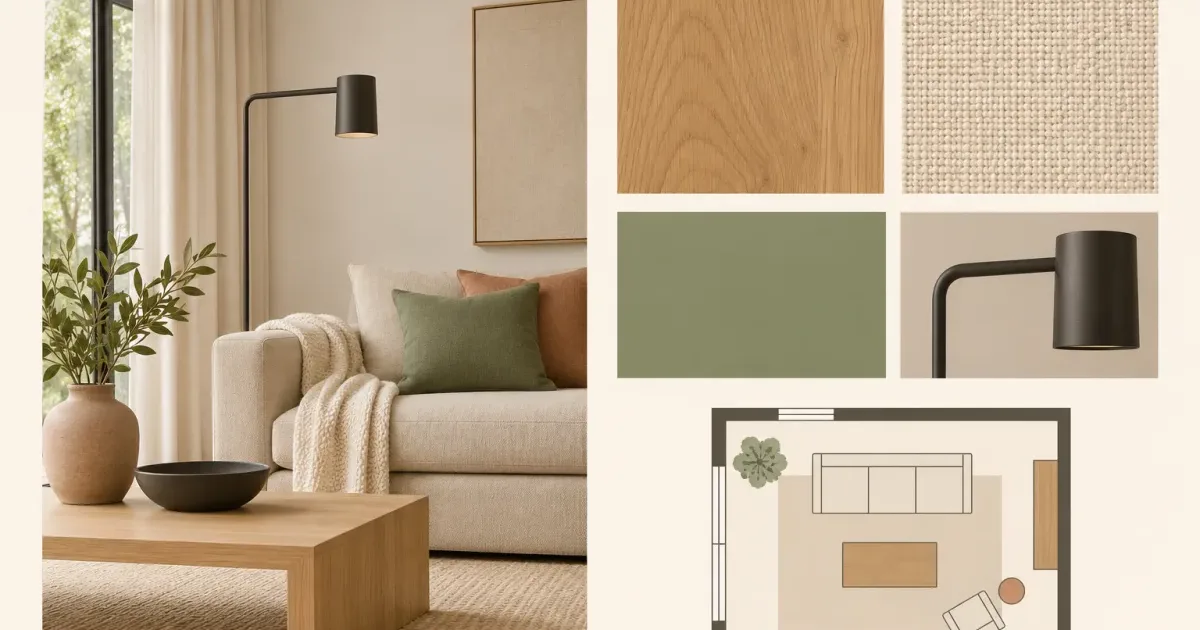
Natural materials, quiet daylight, functional storage, and one tactile focal point.
Learn the interior mood board method.
Use the Interior Calm template
One strong brand promise supported by typography, interface, photography, and color evidence.
Learn the brand mood board method.
Use the Brand Focus template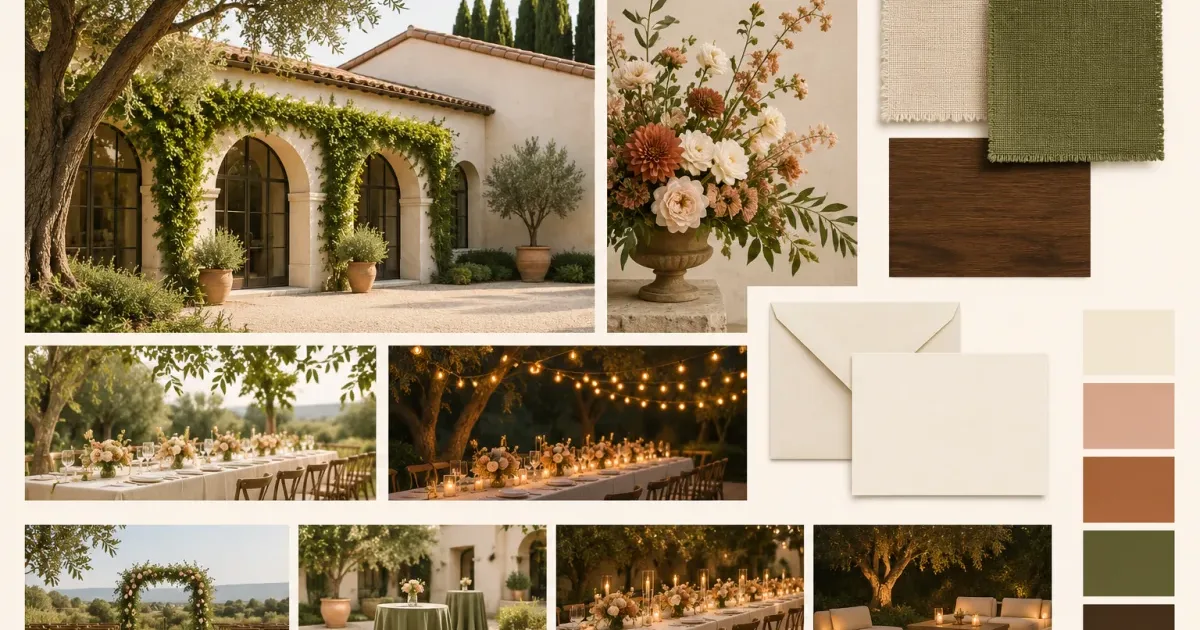
Arrival, ceremony, table, flowers, paper goods, and evening light in one coherent story.
Learn the event mood board method.
Use the Wedding Atmosphere templateDetailed methods, worked examples, and decision checks for the work that happens before and after the canvas.
A practical mood-board method for collecting, editing, testing, and presenting visual direction without creating a random collage.
Read how to make a mood board that guides real decisionsCompare mood boards and vision boards by purpose, evidence, time horizon, layout, and the decisions each one should produce.
Read mood board vs vision board: choose the right toolBuild an interior design mood board that accounts for light, scale, fixed finishes, materials, furniture, maintenance, and budget.
Read interior design mood boards: a room-by-room methodCreate a brand mood board that connects strategy to typography, color, photography, interface behavior, and measurable design decisions.
Read brand mood boards that produce a usable design directionThese answers describe the current public tools and their limits.
Yes. All seventeen public visual-planning tools are free to use in a browser.
No. Every public tool opens without an account. An optional account stores editable private project copies in the saved-files dashboard.
Supported image tools process files in the browser. Browser storage can be cleared, so export important work or save an editable account copy.
Not currently. Nice-Boards supports individual visual planning and structured review. Use a shared platform when simultaneous editing is required.
Open a blank board, add the references that matter, and shape a direction you can explain.